4.0.0

AMaze Alarm

How AMaze Alarm works

A single flow helps you prepare the night, configure the alarm, wake with the right level of effort and begin the day with useful context.

01

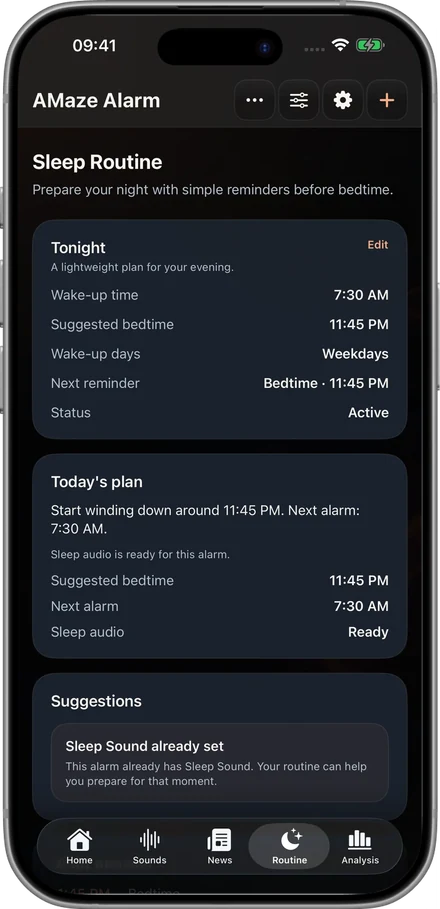
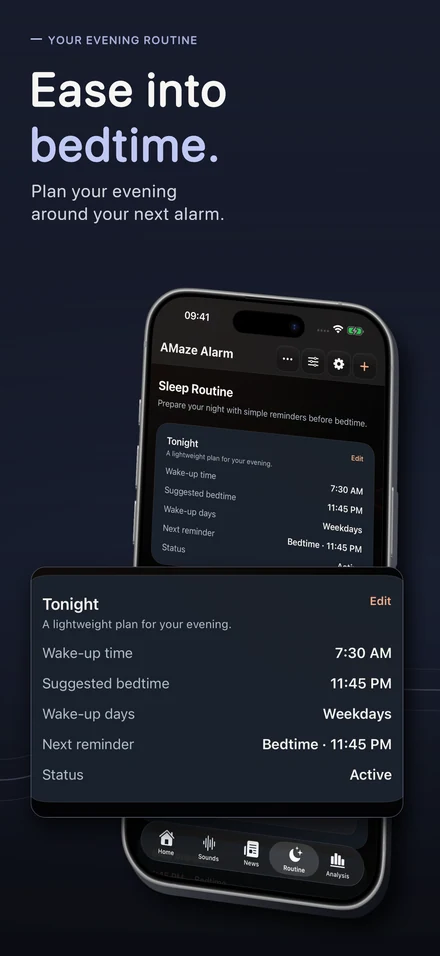
Build Sleep Routine

Set wake-up days and a sleep target, then use bedtime, caffeine, lights, screens and environment reminders when available.

Build Sleep Routine
02

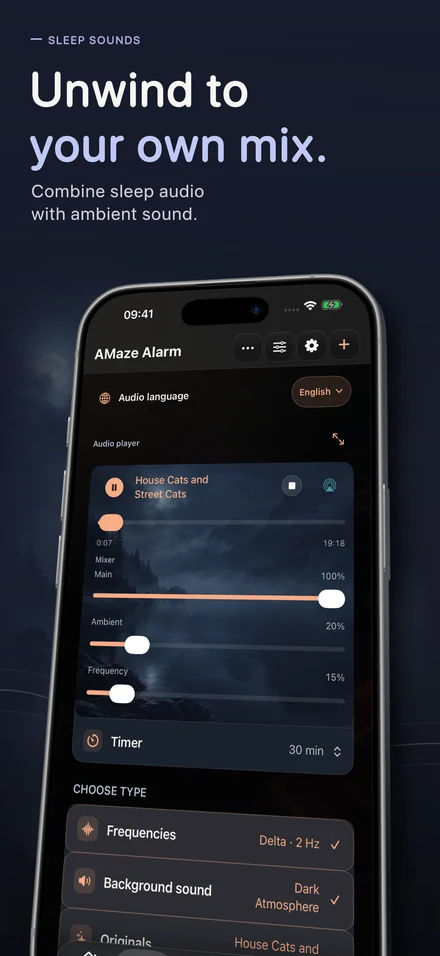
Choose Sleep Sounds

Pick Frequencies, Background sound, Originals, ASMR and Guided Sleep, Podcast or Books. Use Sound Peak Protection, Playback speed and the Mixer.

Choose Sleep Sounds
03

Set the alarm

Choose time, repeat days or dates, alarm sound, challenge, difficulty, snooze behavior, Sleep Sounds and Wake-up sounds from one setup.

Set the alarm
04

Choose the wake-up effort

Select Continuous Walk, Maze, Fog Maze, Tilt Maze, Lights On, Math Challenge, Synonym Challenge, Tap Frenzy, Random Taps or No Challenge.

Choose the wake-up effort
05

Use modes for variety

Random Mode chooses from your Random profile. Sequential Mode runs the full order stored in your Sequence profile.

Use modes for variety
06

Confirm the wake-up

Wake-up check can return a few minutes later. Gentle pre-alert and Apple Watch calming support may be available depending on settings and device.

Confirm the wake-up
07

Start informed

Open News, a Daily Edition, weather and reading mode, then review Sleep Insights, Sleep debt and Daily Energy Forecast over time.

Start informed
08

Keep media ready

Download supported audio with Premium, continue Podcasts and Books from saved progress, use Alarm Health for readiness and Clear cache for temporary files.

Keep media ready

Ready to connect your night and morning?

Create your first alarm, choose how much effort you need to wake up and shape the routine around your night.

Download free on the App Store